Tools we built, free to download.
Some of our internal automations are useful enough to give away. These are real apps we shipped for Hyderabad businesses: no trial limits, no payment, no resold email lists. Pick a desktop tool and the installer link lands in your inbox — or grab Nexvia Books for iPhone and Android straight from the stores.
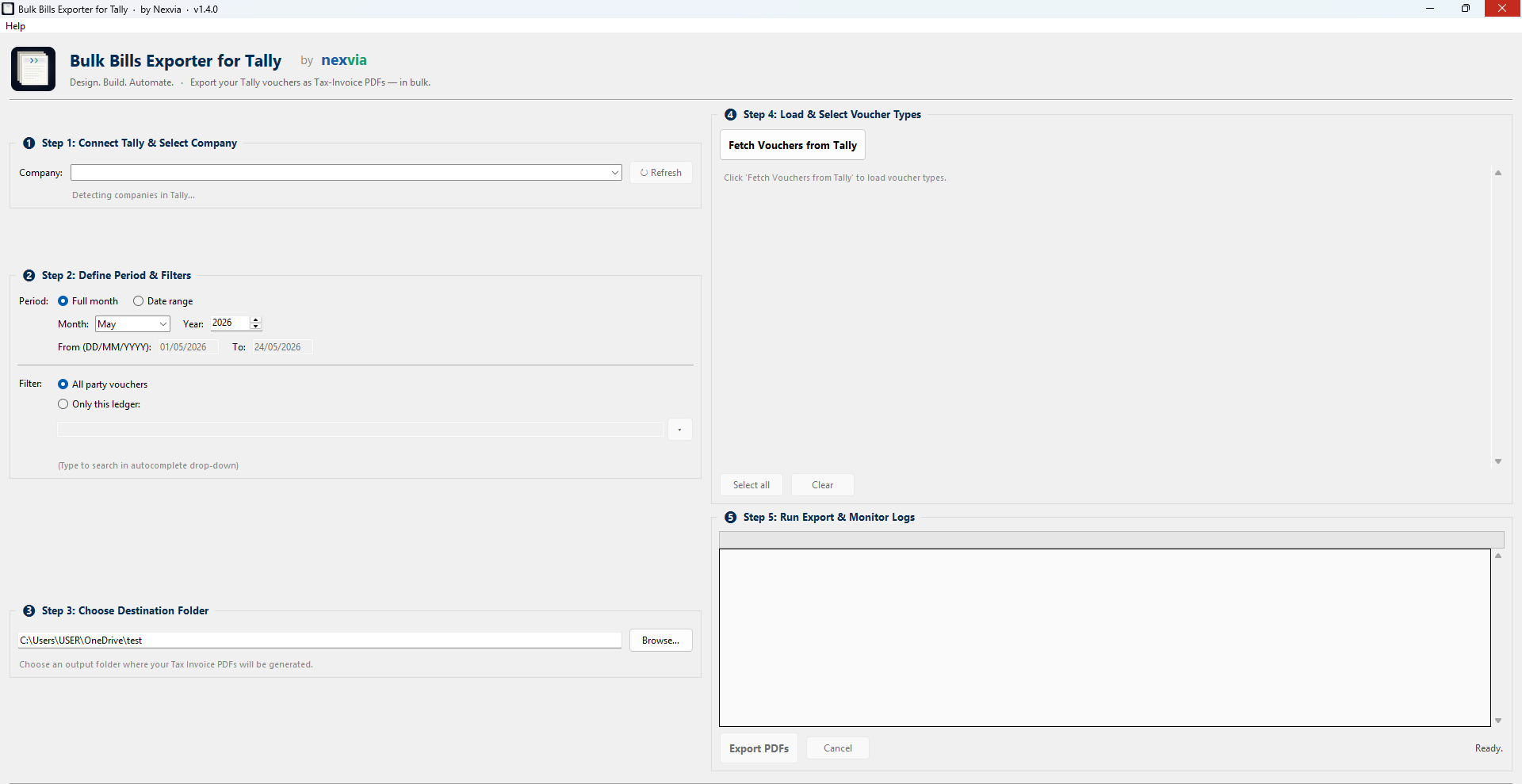
Bulk Bills Exporter for Tally
Pulls vouchers from Tally Prime via its HTTP gateway and prints proper Tax-Invoice PDFs locally, each file auto-named PartyName_InvoiceNumber.pdf. The month-end job that usually eats half a day, done in under a minute.
›Takes you to the install page: drop your email and the link arrives in your inbox, so you can install on whichever machine has Tally open.
Nexvia Books on your phone
The mobile app for Nexvia Books. Your TallyPrime books — party ledgers, outstanding bills, GST invoices, full financial statements — live on your phone, and you can record a sale or a receipt that posts straight back into Tally. Free to install; it signs in to the workspace you already pay for.
New to Nexvia Books? Sign up on the web first — at books.nexviatech.in. The iPhone app opens straight to sign‑in and can’t create a workspace for you; once yours exists, it signs in like any other device.
›The apps above are what you carry. One more small app goes on the computer where TallyPrime runs — it reads your books and keeps them in sync, and it never changes anything inside Tally. Install it once, there: books.nexviatech.in/download.
Click download
Opens the install page for the tool you picked: specs, requirements, and the email form.
Drop your email
One field. The installer link is emailed to you instantly, and the download starts on this device too.
Install & run
Run the .exe, allow it past the Windows first-run notice, open Tally, and export.
First run shows a Windows SmartScreen notice: click More info, then Run anyway. The file is safe.
The first-install warning is normal
Our installers aren't code-signed yet, so Windows shows a SmartScreen notice the first time you run one. The file is safe: click More info → Run anyway. Each tool's page lists its MD5 checksum if you'd like to verify before running.
Have a paperwork loop that's eating your evenings?
Every tool here started as a one-day script to save a real business hours of manual work. If you have a similar loop (quotes, invoices, receipts, reconciliation) that you'd like turned into a one-click app, the conversation usually starts with a single WhatsApp.